
MCP Explained: What It Actually Does for Your AI Tools
Model Context Protocol gives AI applications a standard way to discover and use external tools, resources, and prompts. It is a connector—not an agent or security policy.
Explore this article
The problem MCP is trying to solve
Without a shared protocol, every AI application needs a custom connector for every data source and business tool. Each connector has its own discovery rules, message format, errors, authentication assumptions, and maintenance burden. The number of pairwise integrations grows quickly.
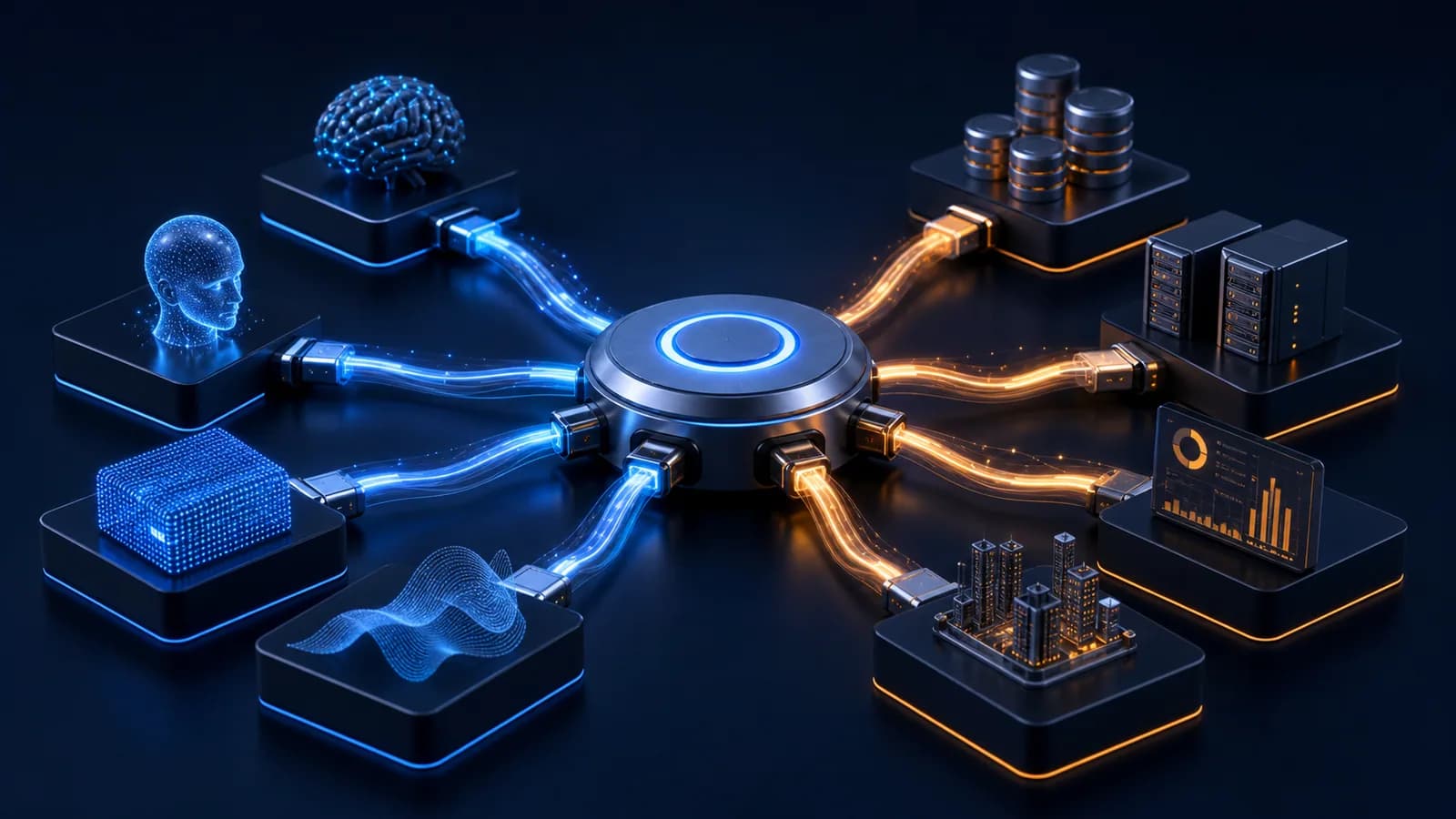
MCP defines a consistent way for a host application to connect to servers that expose focused capabilities. A server might offer resources to read, tools to call, or reusable prompts. That makes a connector easier to reuse across compatible hosts and keeps the server focused on one bounded job.
Illustrative connector count as tools grow
Host, client, and server—without the jargon
The host is the AI application the user interacts with. It creates and manages one client connection for each MCP server. A server publishes a limited set of capabilities. The host controls connection permission, decides what context a server receives, coordinates model calls, and presents approval requests to the user.
The official architecture deliberately separates servers: one server should not automatically see the whole conversation or another server's data. That isolation is valuable, but it only works if the host and server implementations preserve it.
| MCP does | MCP does not |
|---|---|
| Standardise capability discovery | Choose the right business objective |
| Carry structured tool requests and results | Make every tool safe |
| Support composable servers | Replace authentication and authorisation |
| Reduce bespoke connector code | Guarantee model accuracy |
| Create clearer boundaries | Operate the agent for you |
Standard connectivity still needs security engineering
Treat every MCP server as a software integration. Authenticate the user and server, allowlist capabilities, validate arguments, minimise returned data, limit rates and spend, and record tool activity. Use explicit approval for consequential actions. Do not install an unknown server merely because the protocol is standard.
For a business, MCP is most useful when several AI experiences need the same well-governed capability—for example, searching approved knowledge or creating a draft service case. If there is one simple integration, an ordinary typed API may still be the clearer option.
What happens during a tool call
- 01
The host connects
The host creates a client for an approved server and both sides negotiate supported capabilities.
- 02
The model sees a capability
The host exposes selected tool descriptions and schemas, not unrestricted server access.
- 03
A request is proposed
The model produces structured arguments for a chosen tool; this is a proposal, not authorisation.
- 04
Policy and consent run
The host or gateway validates identity, arguments, permissions, limits, and any required user approval.
- 05
The result returns
The server executes its bounded capability and the host decides what result enters model context.
How to evaluate an MCP server for business use
Review ownership, source code or vendor assurance, dependency maintenance, authentication, requested permissions, data destinations, logging, update channel, and incident process. Enumerate every tool and resource it exposes. Confirm that tool descriptions cannot silently expand authority and that server updates cannot bypass review.
Place business controls in a gateway when several hosts use the same server. The gateway can bind the real user identity, enforce tenant and record scope, validate schemas, rate-limit calls, require approval, redact responses, and emit one audit format. Disable unused capabilities. Test prompt injection from server-provided content and verify the host does not treat that content as higher-priority instruction.
MCP as an integration choice
Advantages
- Reusable capability discovery across compatible AI hosts
- Clear separation between host orchestration and focused servers
- Structured schemas for tools, resources, and results
- Lower bespoke connector effort when many clients share capabilities
Trade-offs
- Another runtime and trust boundary to operate
- Implementation quality and security still vary by server
- Host support and protocol versions can differ
- Simple one-client integrations may be clearer as ordinary APIs
Frequently asked questions
Is MCP an AI agent?
No. MCP is a protocol for connecting an AI host to external capabilities. Agent planning and orchestration happen elsewhere.
Does MCP replace APIs?
No. An MCP server often wraps APIs and presents them through a common AI-oriented interface.
Is an MCP server automatically safe?
No. Its code, permissions, data handling, dependencies, and tools must still be assessed and controlled.
AI Agent Identity in 2026: Why Service Accounts Are Not Enough
AI agent identity and authorization must preserve who delegated authority, which agent is acting, what it may do, and where that authority ends. A shared service account cannot carry that context safely.
AI Agent Observability: How to Monitor Agents in Production
AI agent observability connects traces, tool calls, policy decisions, costs, failures, and business outcomes so teams can understand and control production behaviour.

Guardrails 101: Keeping AI Agents From Going Off-Script
AI agent guardrails work when deterministic controls limit authority, validate actions, cap impact, require approval, detect anomalies, and stop execution safely.